

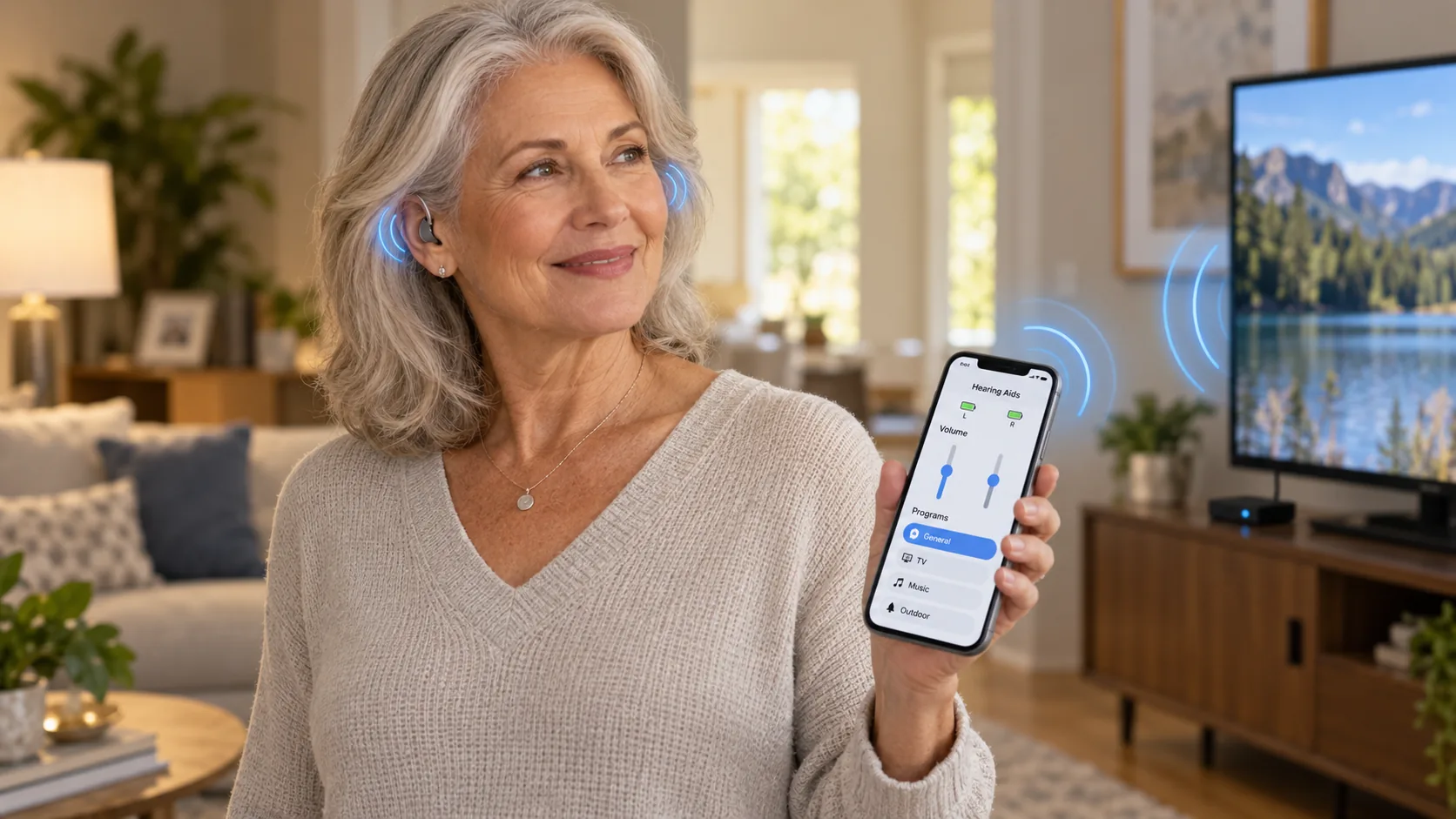
Bluetooth is the same wireless link that connects your earbuds or your car to your phone, and it is now built into most of the hearing aids we fit. Why does that matter? Because it gives you full control of your hearing aids any time, the ability to fine tune them to any environment, and a direct connection to the tech you already use. Pair them to your phone once and they reconnect on their own the moment you put them in, ready to take a call, play your music, or turn things down when the restaurant gets loud.
The biggest deal is control. Each brand has a free app (myPhonak, Signia One, Oticon Companion) that turns your phone into a remote for your hearing aids. Turn the volume up at dinner, switch to a restaurant program, nudge the bass or treble, or steer the microphones toward the person across the table, all live, in the moment, without waiting for your next appointment. Phone calls ring straight into both ears and you answer hands-free, with the hearing aids picking up your own voice. And anything your phone plays, from music and podcasts to a video call with the grandkids, streams directly into your ear canal, like a pair of wireless headphones that happen to be tuned to your hearing.
The newest devices push this further. Phonak's EON keeps up to eight devices paired at once, so your phone, laptop and TV streamer all stay ready to go, and every brand's app now lets us make small remote adjustments so a quick tweak doesn't always need a drive to the studio. One honest note: iPhones and most newer Android phones support all of this directly, so bring your phone to your fitting and we'll have it paired and tested before you leave.
About That TV Streamer
The TV streamer (Phonak TV Connector, Signia StreamLine TV, Oticon TV Adapter) is a small box that plugs into the back of your TV and sends the sound straight to your hearing aids, so you hear every word at your volume while the family watches at theirs. It takes a minute of setup, and if it ever goes quiet, it almost always comes down to one of these quick checks:
- Check the light. The box should be plugged into power and showing a steady light while the TV is playing. No light, no sound.
- Check the cable. Make sure the optical (or 3.5mm) cable is pushed all the way in at both ends. These work loose more than you'd think.
- Check the TV's audio output. If the TV is set to send sound only to a soundbar, or to a format the box can't read, the streamer gets nothing. Setting the digital audio output to PCM fixes most of these.
- Power everything off and on. Unplug the box for ten seconds, put your hearing aids in the charger for a moment, then bring it all back up.
- Stay in range. The box reaches about the size of a living room. Walking to the kitchen will drop the stream, and it should pick back up when you return.
- Re-pair it. If nothing else works, hold the pairing button on the box until it beeps or blinks, then restart your hearing aids next to it.
Manufacturer Support Lines
Every brand keeps a dedicated support team for pairing, app and streaming questions, and they are good at it. Tap your brand below and they'll walk you through it:
- Signia: 1-800-350-6093
- Phonak: 1-800-679-4871
- Oticon: 1-855-400-9766